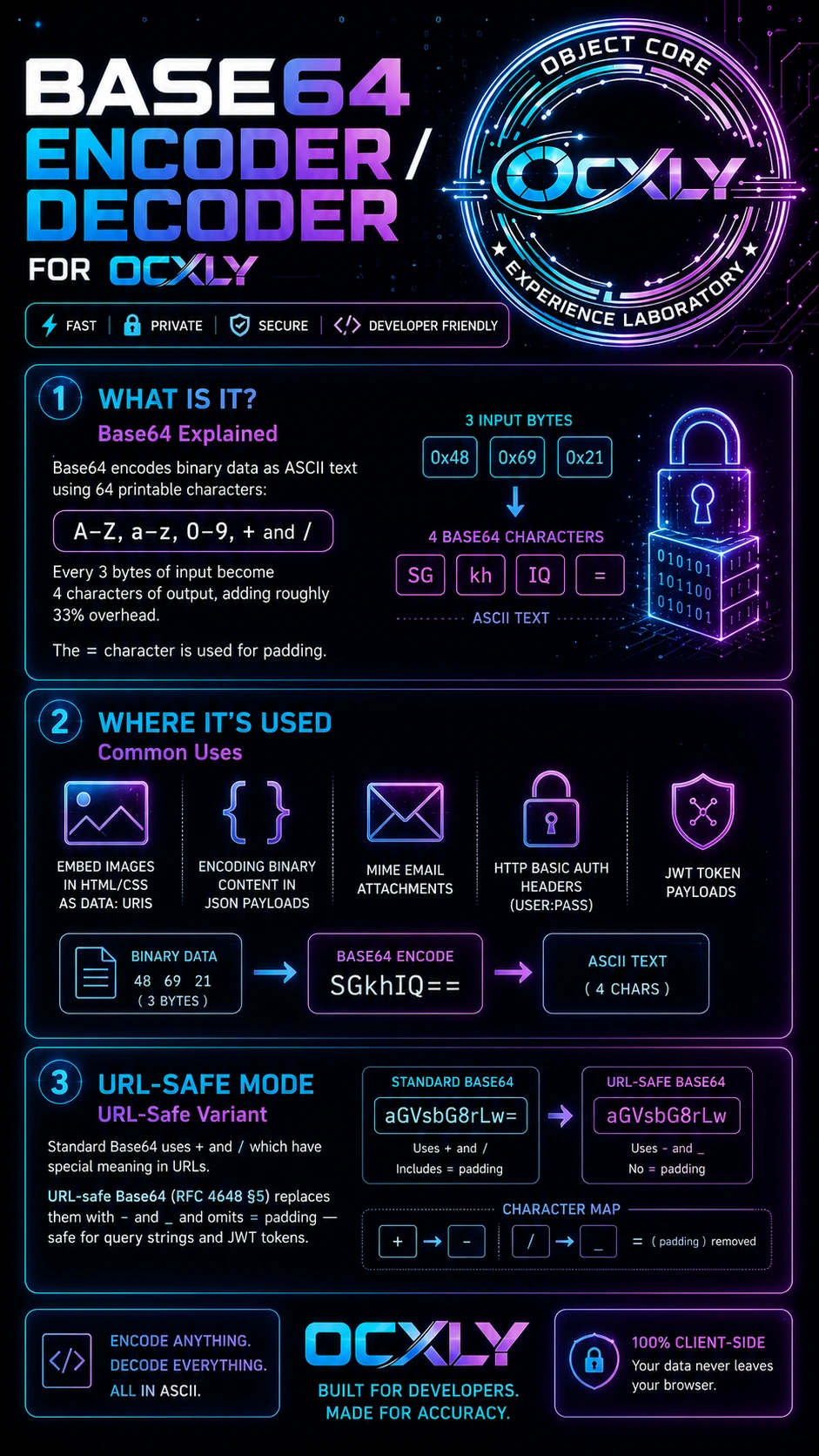
Encode plain text or binary files to Base64, decode Base64 strings back to readable text — instantly, client-side only. Your data never leaves your browser.
Plain Text Input
Base64 Output
Options
Input 0 charsOutput 0 charsRatio —
§ File
Encode a File to Base64
Drop a file here or click to browse
Images · PDFs · Text · Any format · Max 5 MB
What is it?
Base64 Explained
Base64 encodes binary data as ASCII text using 64 printable characters: A–Z, a–z, 0–9, + and /. Every 3 bytes of input become 4 characters of output, adding roughly 33% overhead. The = character is used for padding.
Common uses
Where It's Used
Embedding images in HTML/CSS as data: URIs, encoding binary content in JSON payloads, MIME email attachments, HTTP Basic Auth headers (user:pass), and JWT token payloads are all Base64 encoded.
URL-safe variant
URL-Safe Mode
Standard Base64 uses + and / which have special meaning in URLs. URL-safe Base64 (RFC 4648 §5) replaces them with - and _ and omits = padding — safe for query strings and JWT tokens.
We use cookies to enhance your browsing experience, analyze site traffic, and personalize content. Essential cookies are always on. You can accept all, reject non-essential, or customize your choices.
Cookie Policy
Privacy Preferences
Choose which categories of cookies and tracking you allow. You can change these settings at any time from the footer.
Strictly Necessary Always Active
Required for the site to function — page navigation, secure areas, and remembering your consent choice. Cannot be disabled.
Analytics & Performance
Google Analytics and Microsoft Clarity, so we can understand how the site is used and improve it — aggregated usage data plus anonymised session replays (clicks, scrolls, mouse movement; text you type is masked). No personal identifiers are stored.
Functional
Remembers preferences such as language and region to give a more personalized experience on return visits.
Marketing & Personalization
Used to measure ad effectiveness and show content relevant to your interests. Linked to the CCPA "Do Not Sell or Share" right — disable this to opt out.