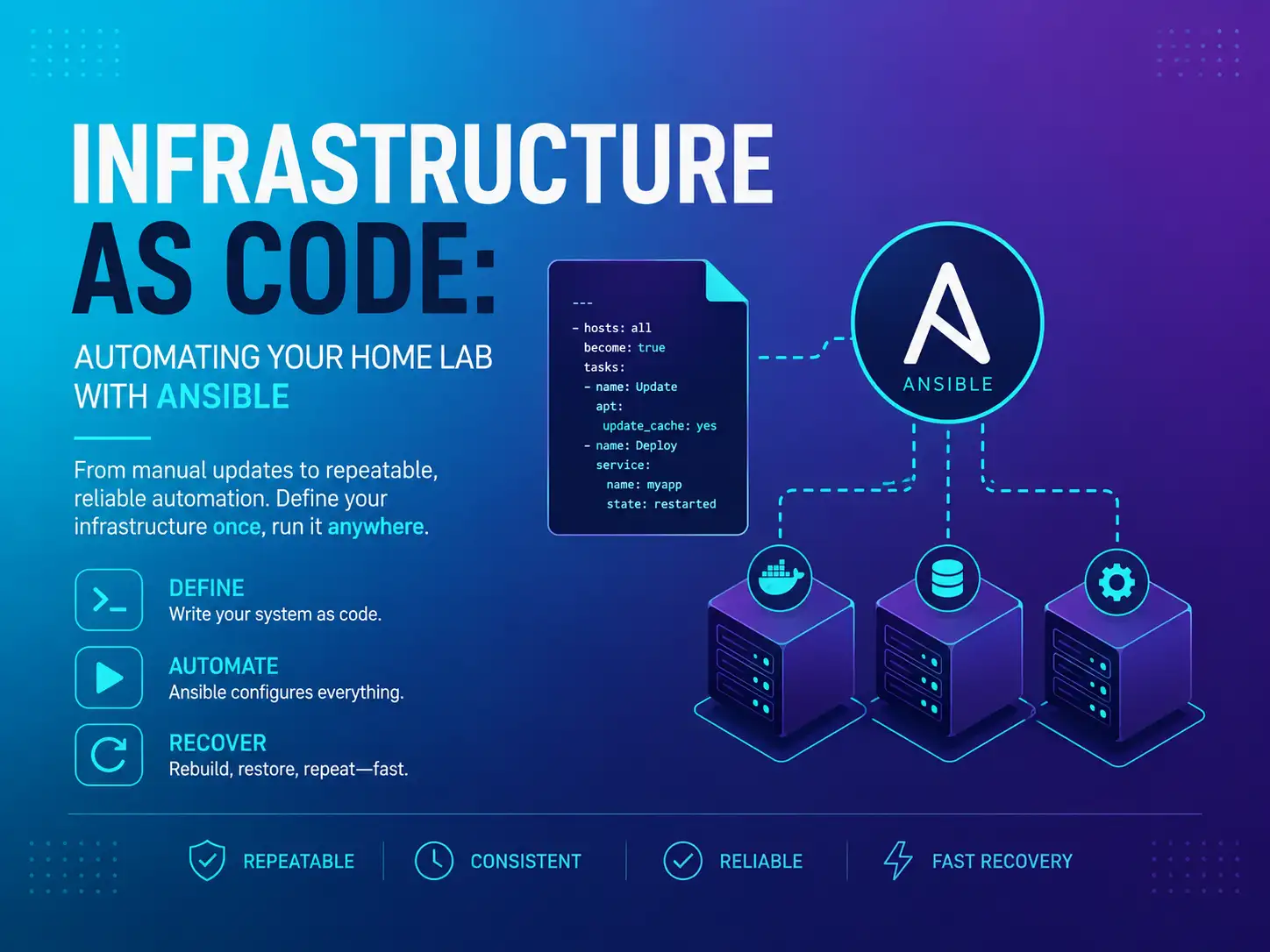
Infrastructure as Code: automating your home lab with Ansible
A home lab with three services is easy to manage by hand; one with twenty is not. Infrastructure as Code turns the manual chores into a file you run, and makes disaster recovery much faster.
Most home labs reach the same point. For a while, SSHing into each machine to run updates and change configs is fine. Then you have a dozen machines and thirty services, you cannot remember which host you changed last week, and a reinstall means a long session of manual clicking. Companies solved this years ago, and the solution works just as well at home: Infrastructure as Code.
01What IaC is, and why a home lab needs it
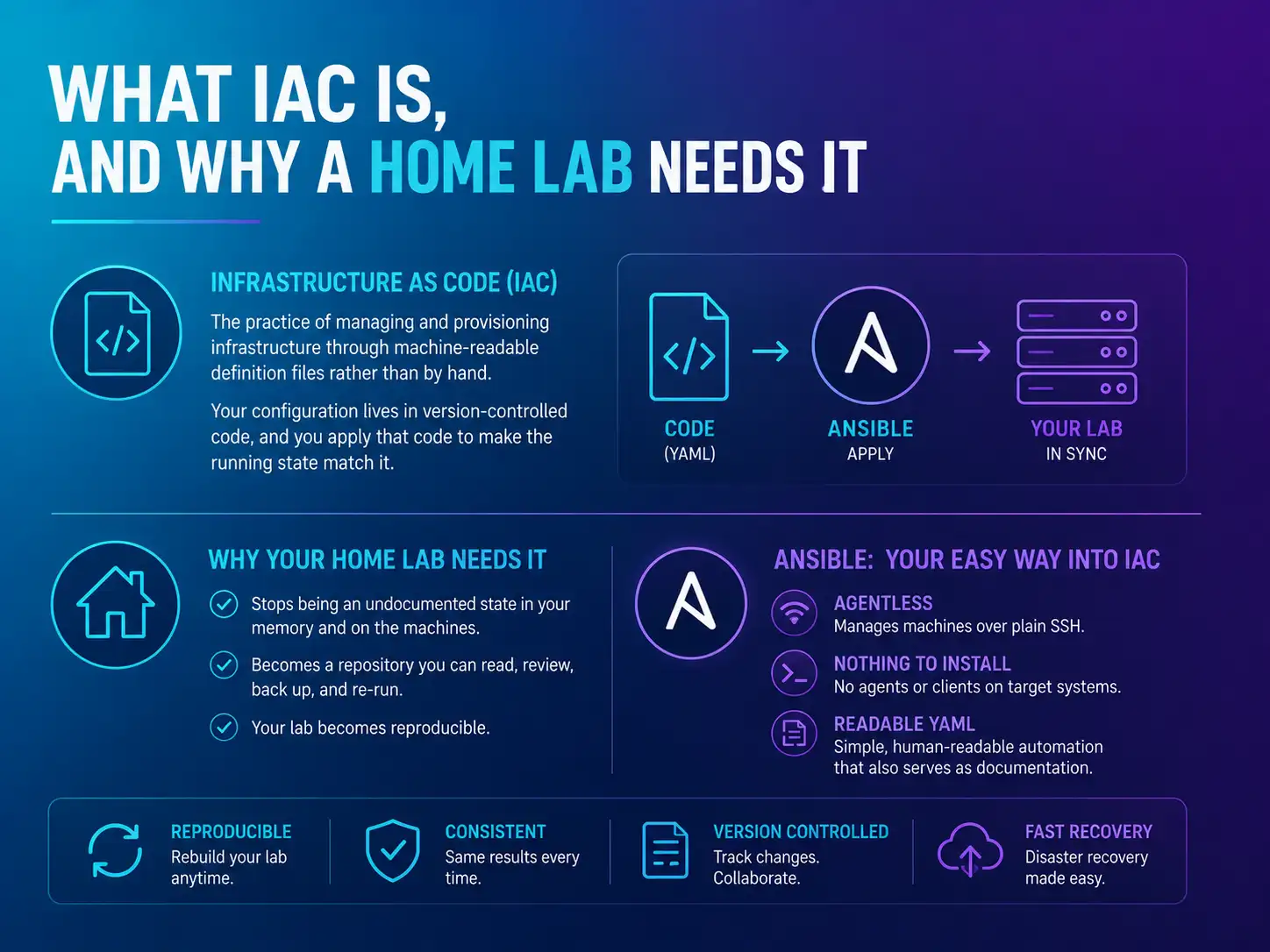
Infrastructure as Code is the practice of managing and provisioning infrastructure through machine-readable definition files rather than by hand: the configuration of your systems lives in version-controlled code, and you apply that code to make the running state match it.1 For a home lab, this changes the situation: your setup stops being an undocumented state that exists only in your memory and on the machines, and becomes a repository you can read, review, back up, and re-run. The lab becomes reproducible.
Ansible is an easy way into IaC. It is agentless — it manages machines over plain SSH, with nothing to install on the targets — and its instructions are written in readable YAML, so the automation also serves as documentation.2
02Your first playbook: update every server at once
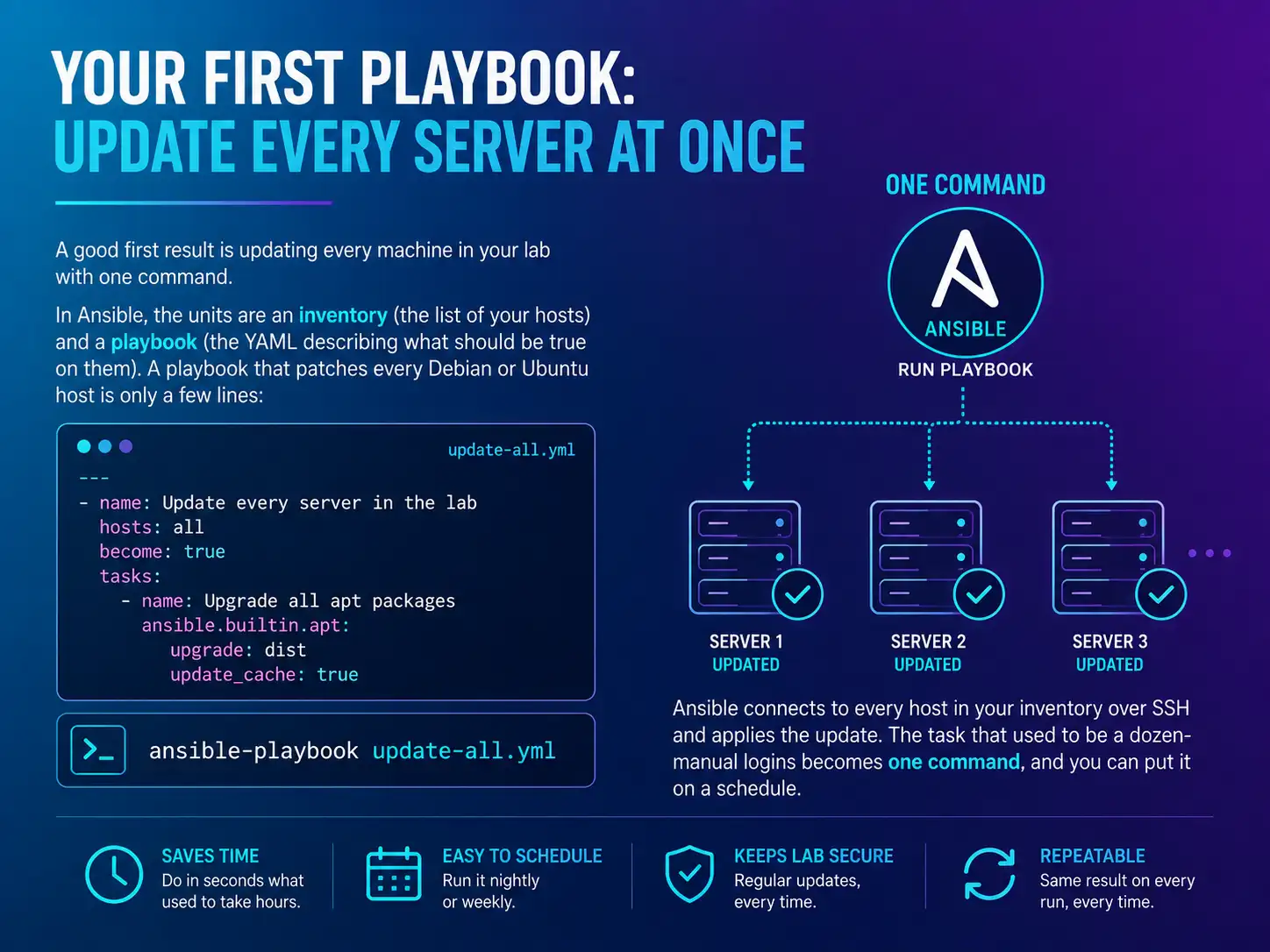
A good first result is updating every machine in your lab with one command. In Ansible, the units are an inventory (the list of your hosts) and a playbook (the YAML describing what should be true on them).3 A playbook that patches every Debian or Ubuntu host is only a few lines:
---
- name: Update every server in the lab
  hosts: all
  become: true
  tasks:
    - name: Upgrade all apt packages
      ansible.builtin.apt:
        upgrade: dist
        update_cache: true
Run it with ansible-playbook update-all.yml and Ansible connects to every host in your inventory over SSH and applies the update. The task that used to be a dozen manual logins becomes one command, and you can put it on a schedule.3
03Docker Compose for services, Ansible for the host
Ansible and Docker Compose work well together, each handling the layer it suits. Docker Compose describes a service and its dependencies declaratively in a single YAML file, so an application stack comes up with one docker compose up.4 Ansible handles the layer underneath: preparing the host, installing Docker, placing your Compose files, and starting the stacks. The flow is: Ansible provisions the machine and delivers the Compose files, and Compose runs the services. Your whole lab, from bare host to running apps, is then described in two kinds of readable YAML that live in one Git repository.
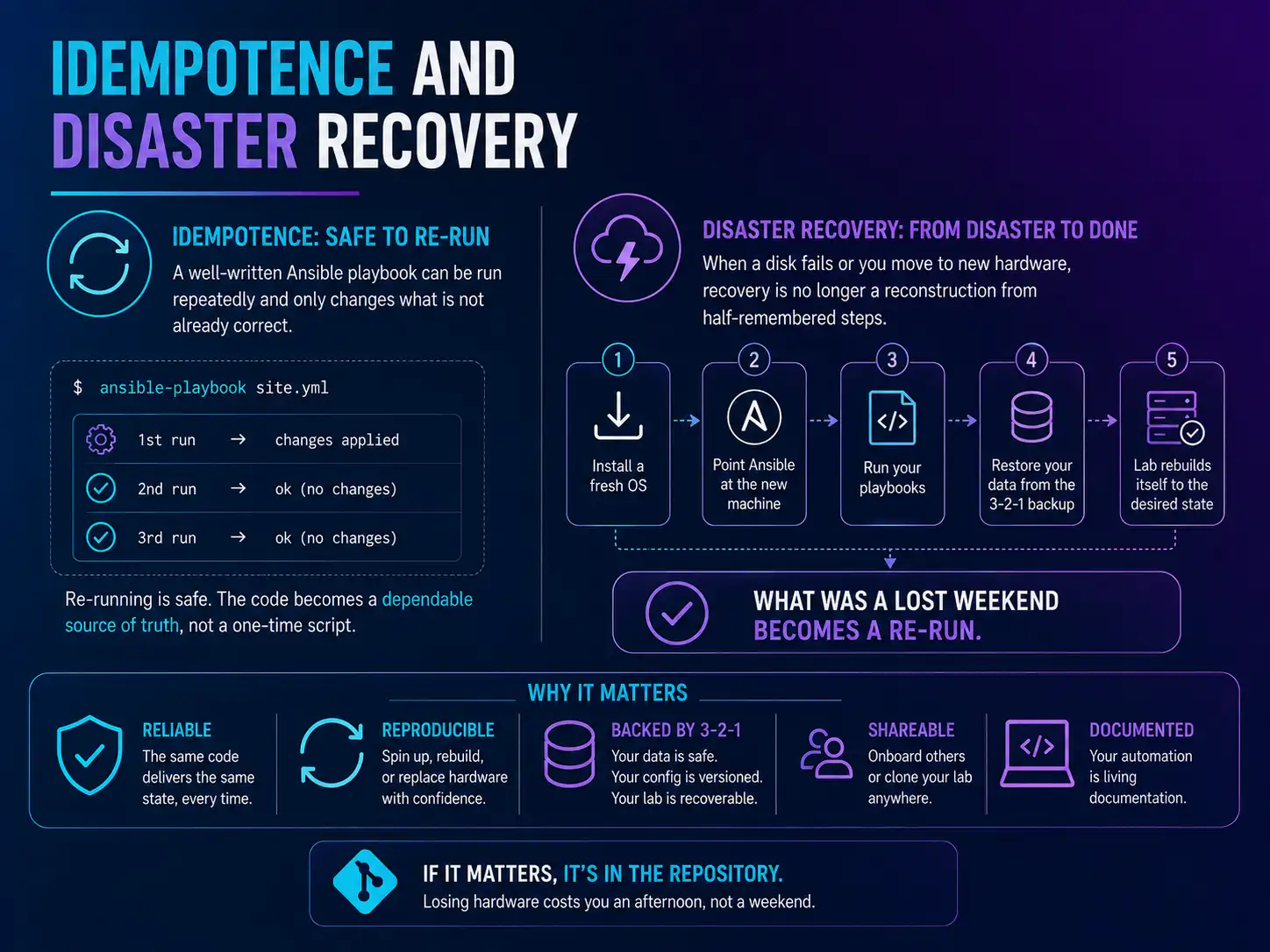
The aim of Infrastructure as Code is that no important configuration exists only in your head or on one disk. If it matters, it is in the repository, and if it is in the repository, losing the hardware costs you an afternoon rather than a weekend.
04Idempotence and disaster recovery
The property that makes this reliable is idempotence: a well-written Ansible playbook can be run repeatedly and only changes what is not already correct, so re-running it is safe.2 That is what makes the code a dependable source of truth rather than a one-time script. It is also where the main benefit shows up. When a disk fails or you move to new hardware (see part four), disaster recovery is no longer a reconstruction from half-remembered steps: you install a fresh OS, point Ansible at the new machine, run your playbooks, restore your data from the 3-2-1 backup (part one), and the lab rebuilds itself to the state described in your repository. What was a lost weekend becomes a re-run.
05Where OcxlyDev lands
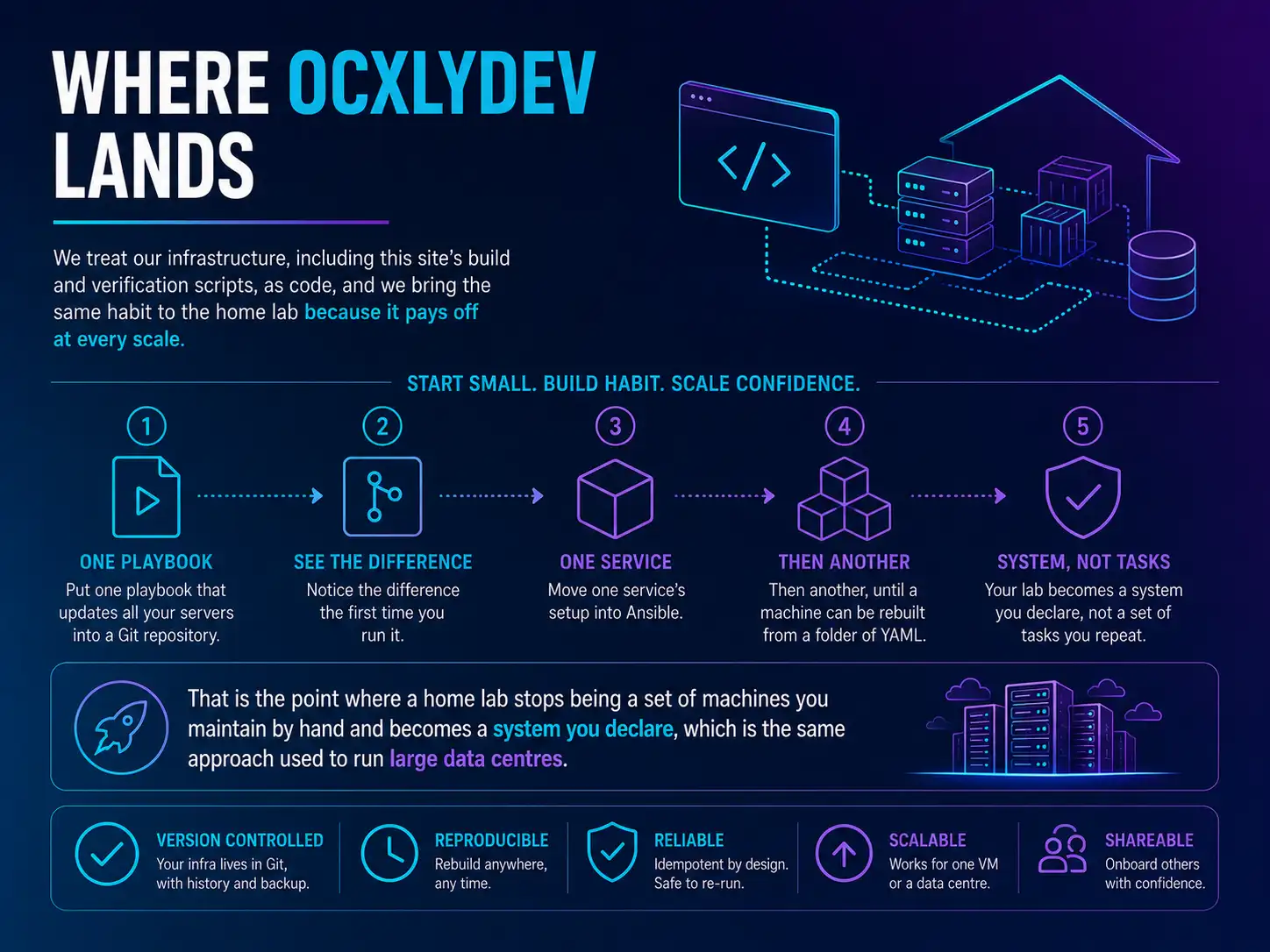
We treat our infrastructure, including this site's build and verification scripts, as code, and we bring the same habit to the home lab because it pays off at every scale. Start small: put one playbook that updates all your servers into a Git repository, and notice the difference the first time you run it. Then move one service's setup into Ansible, then another, until a machine can be rebuilt from a folder of YAML. That is the point where a home lab stops being a set of machines you maintain by hand and becomes a system you declare, which is the same approach used to run large data centres.