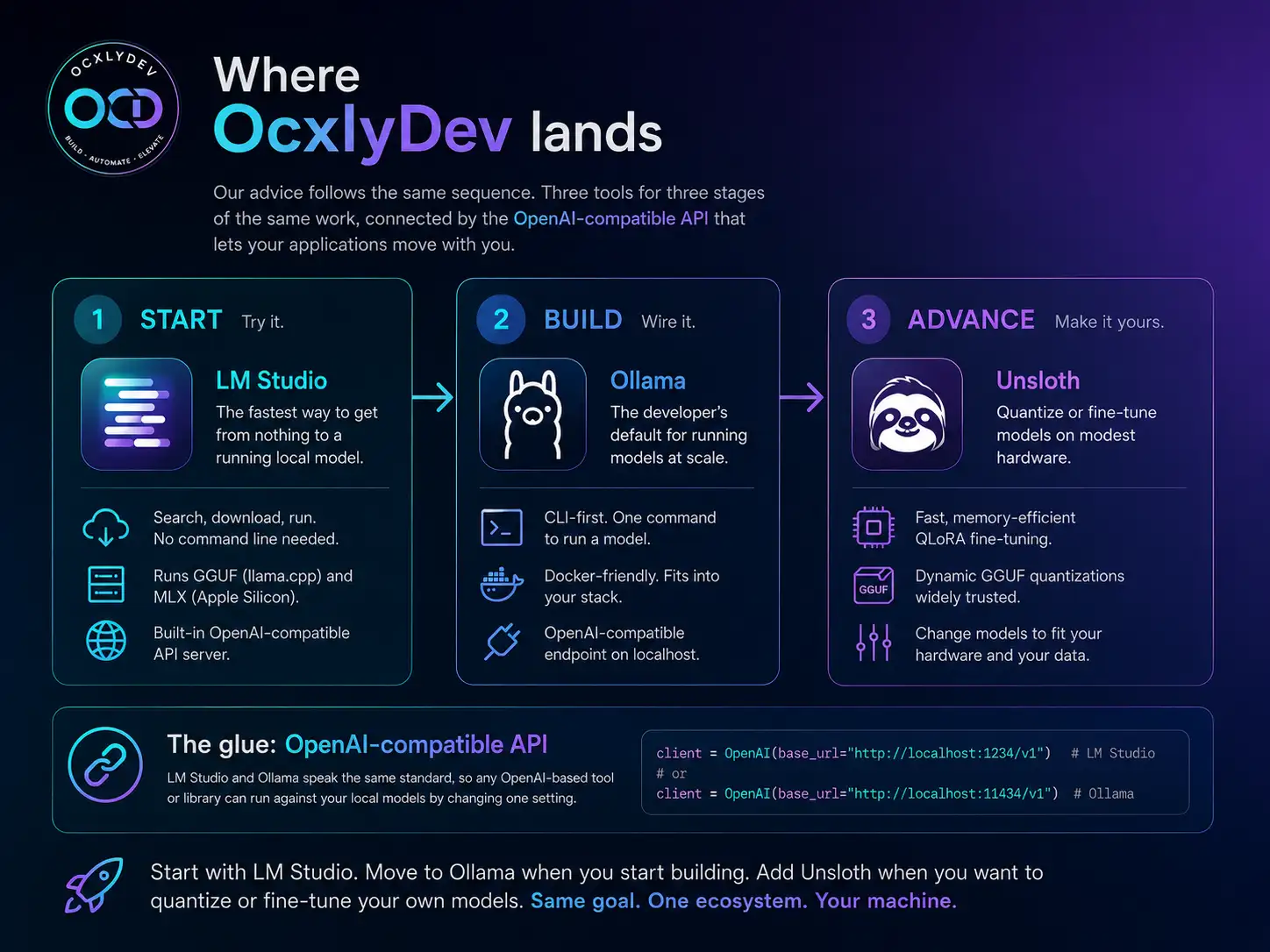
LM Studio vs Ollama vs Unsloth: choosing your local AI engine
Three tools cover almost everyone running models locally in 2026: a friendly desktop app, a developer's command line, and a fine-tuning toolkit. They work better together than as rivals. Here is which to use, and when.
If you want to run a model locally in 2026, three tools cover most people, and they line up with three kinds of user. LM Studio suits someone who wants a window to click. Ollama suits a developer who wants a command and an API. Unsloth suits a power user who wants to quantize or fine-tune. Most people end up using more than one.
| Tool | Best for | Choose it when |
|---|---|---|
| LM Studio | Beginners and visual exploration | You want to download, test and chat with models through a desktop interface. |
| Ollama | Developers and local APIs | You want a scriptable CLI, Docker workflows and an OpenAI-compatible endpoint. |
| Unsloth | Fine-tuning and quantization | You want to adapt or compress models for your own data and hardware. |
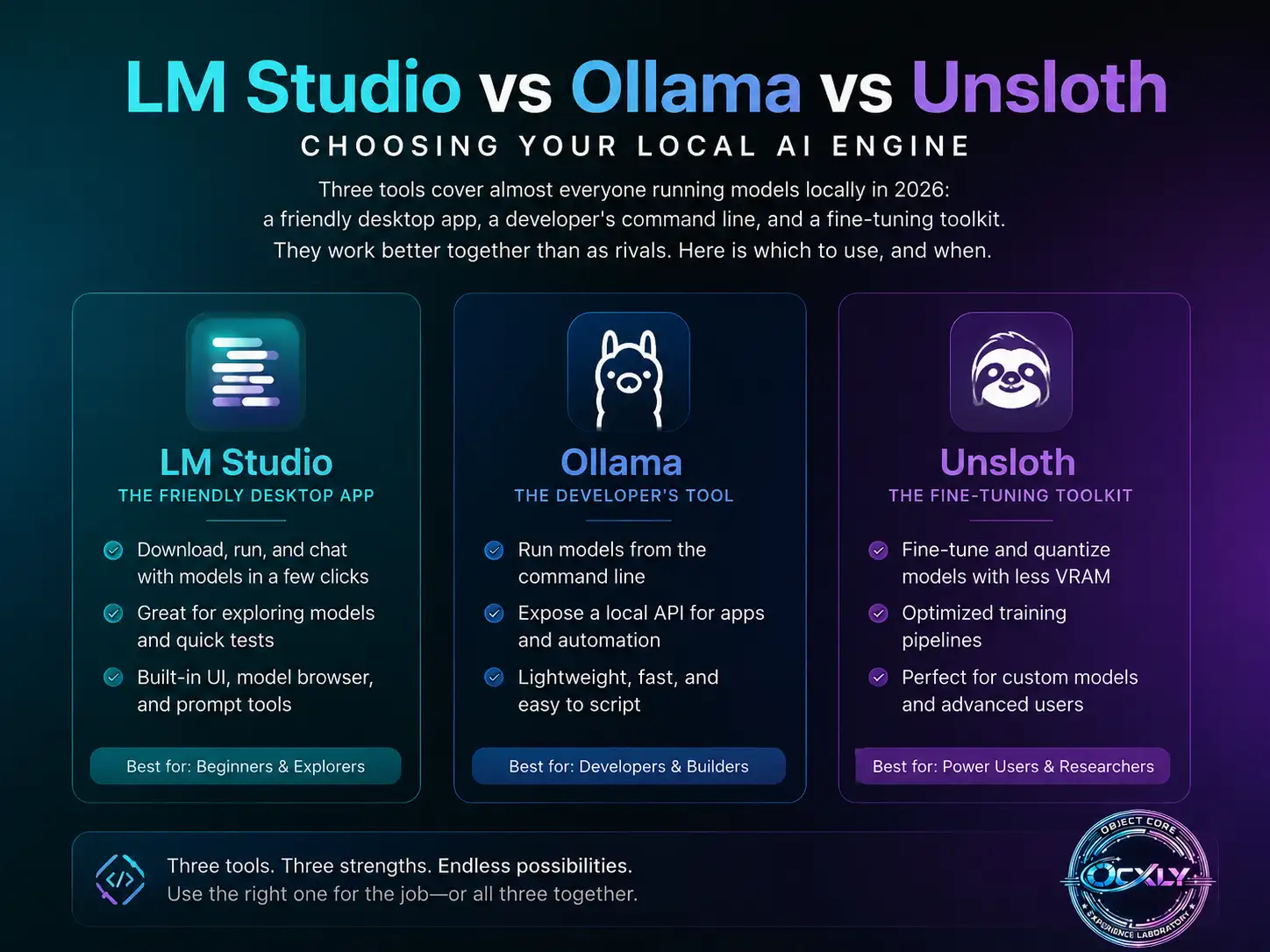
01LM Studio: the easiest way to start
LM Studio is a desktop app with a real graphical interface: you search for a model, click download, and start chatting, with no command line needed.1 Two things make it more than a demo. First, it runs models in two formats — GGUF through llama.cpp, and Apple's MLX format on Apple Silicon — so it can use the faster option for your hardware.1 Second, it can serve the model you are running as a local OpenAI-compatible API, so the same app that gives a beginner a chat window also gives a developer an endpoint to build against.1 It is the quickest way to get from nothing to a running model, and the easiest one to recommend to someone starting out.
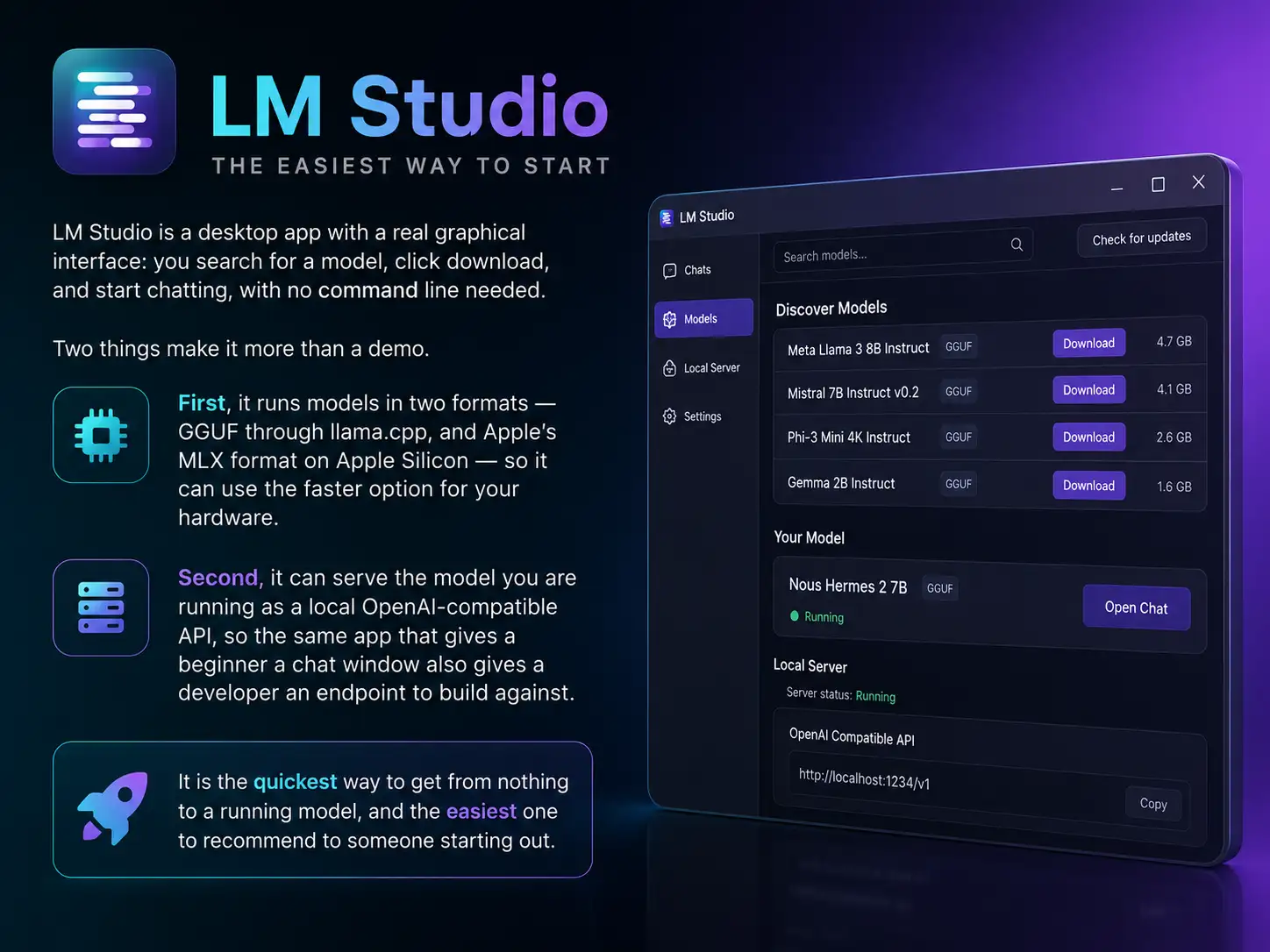
02Ollama: the developer's default
Ollama is what most developers reach for, because it treats models the way they already treat software.2 One command pulls and runs a model (ollama run qwen3), models are described in a simple Modelfile, and it fits neatly into a docker compose stack, which is why it appears in so many self-hosted setups.2 It also serves an OpenAI-compatible API, so an application written against the OpenAI SDK can point at a local Ollama by changing one setting.3 It is fast and scriptable, and it stays out of your way.
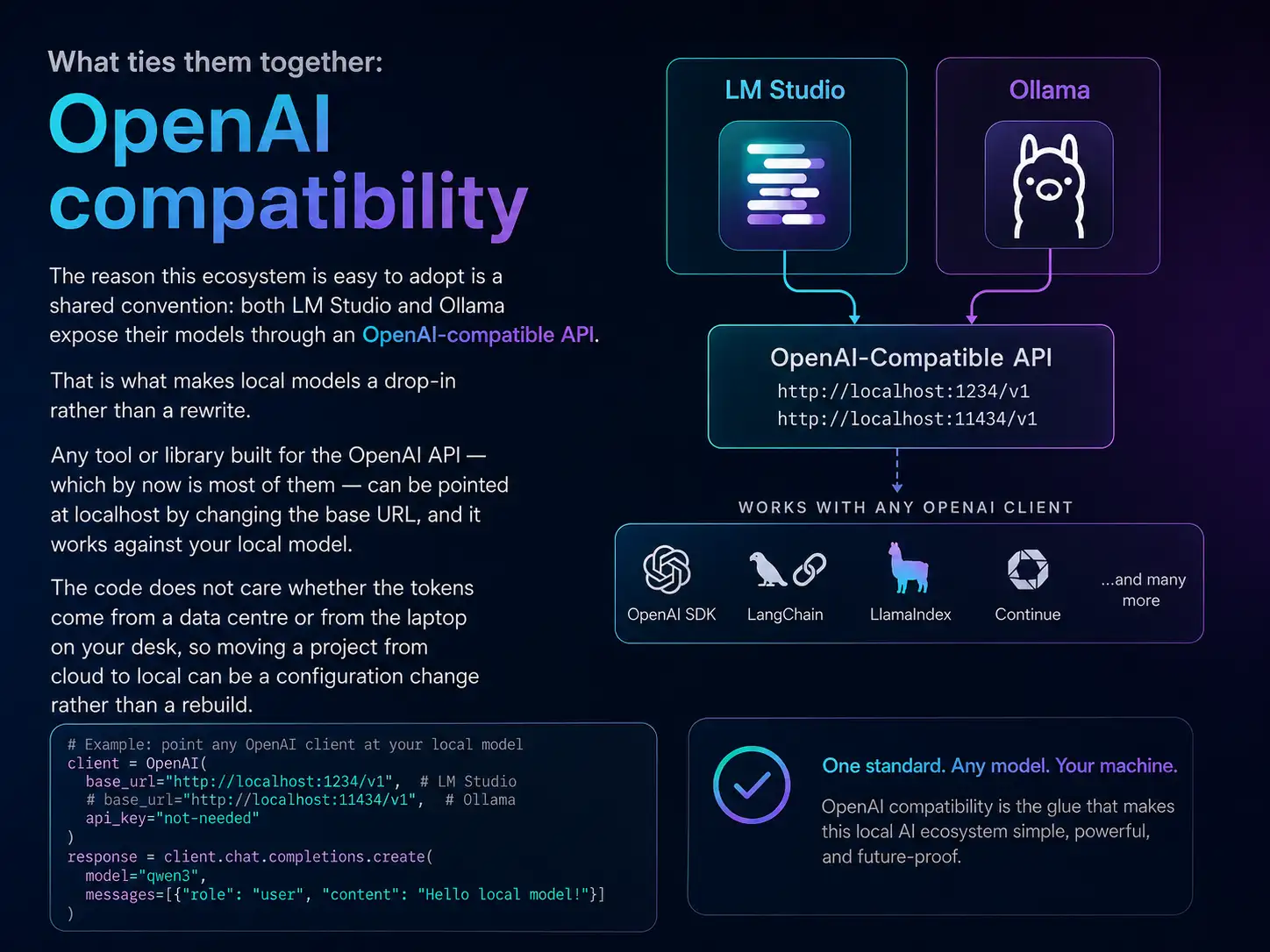
# Any app that speaks the OpenAI API can talk to a LOCAL server:
curl http://localhost:11434/v1/chat/completions \
  -H "Content-Type: application/json" \
  -d '{"model":"qwen3","messages":[{"role":"user","content":"Hello"}]}'

# Ollama defaults to port 11434; LM Studio's server uses 1234.
# Change one base URL and your cloud app now runs on-device.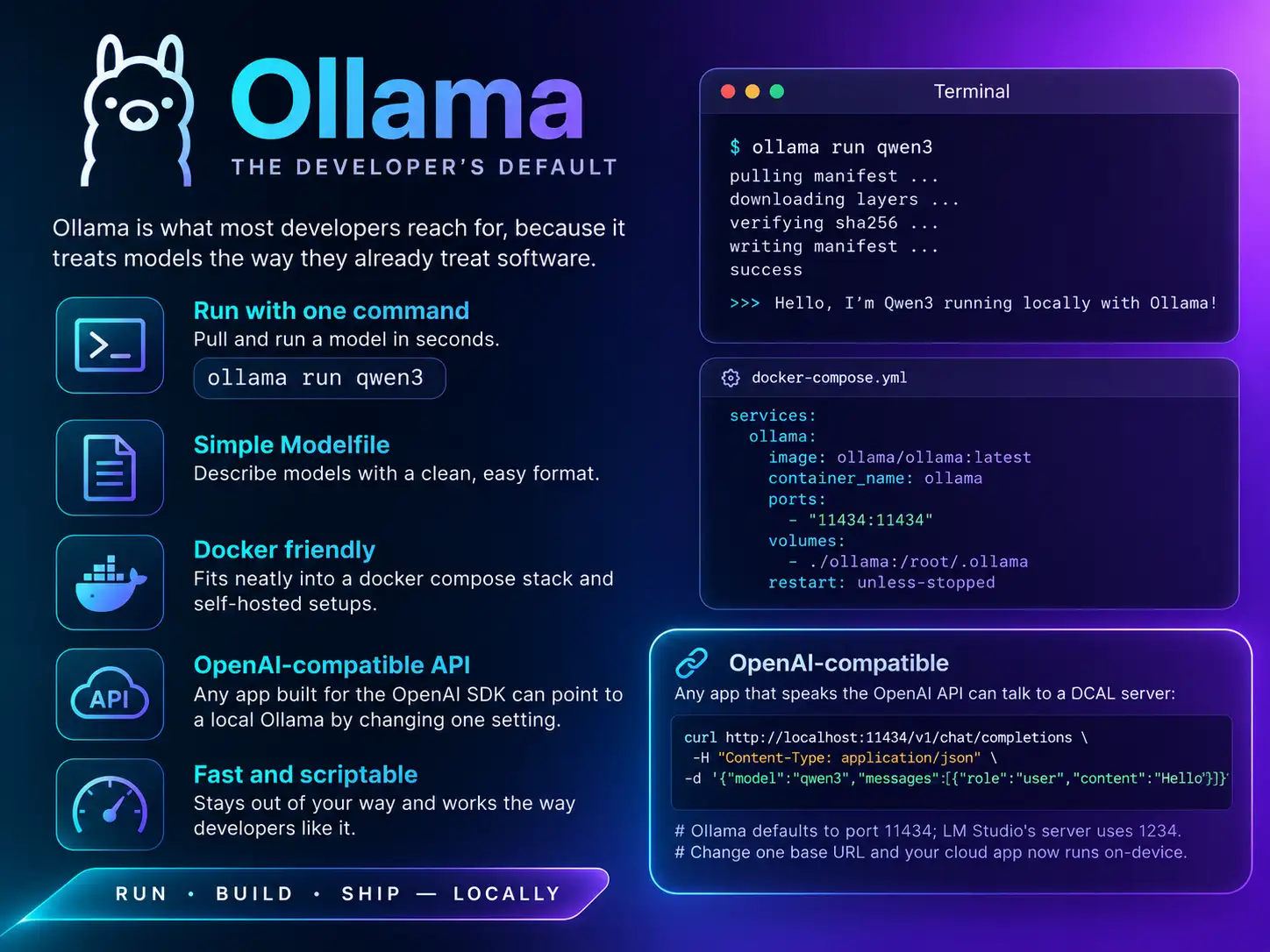
03Unsloth: for quantizing and fine-tuning
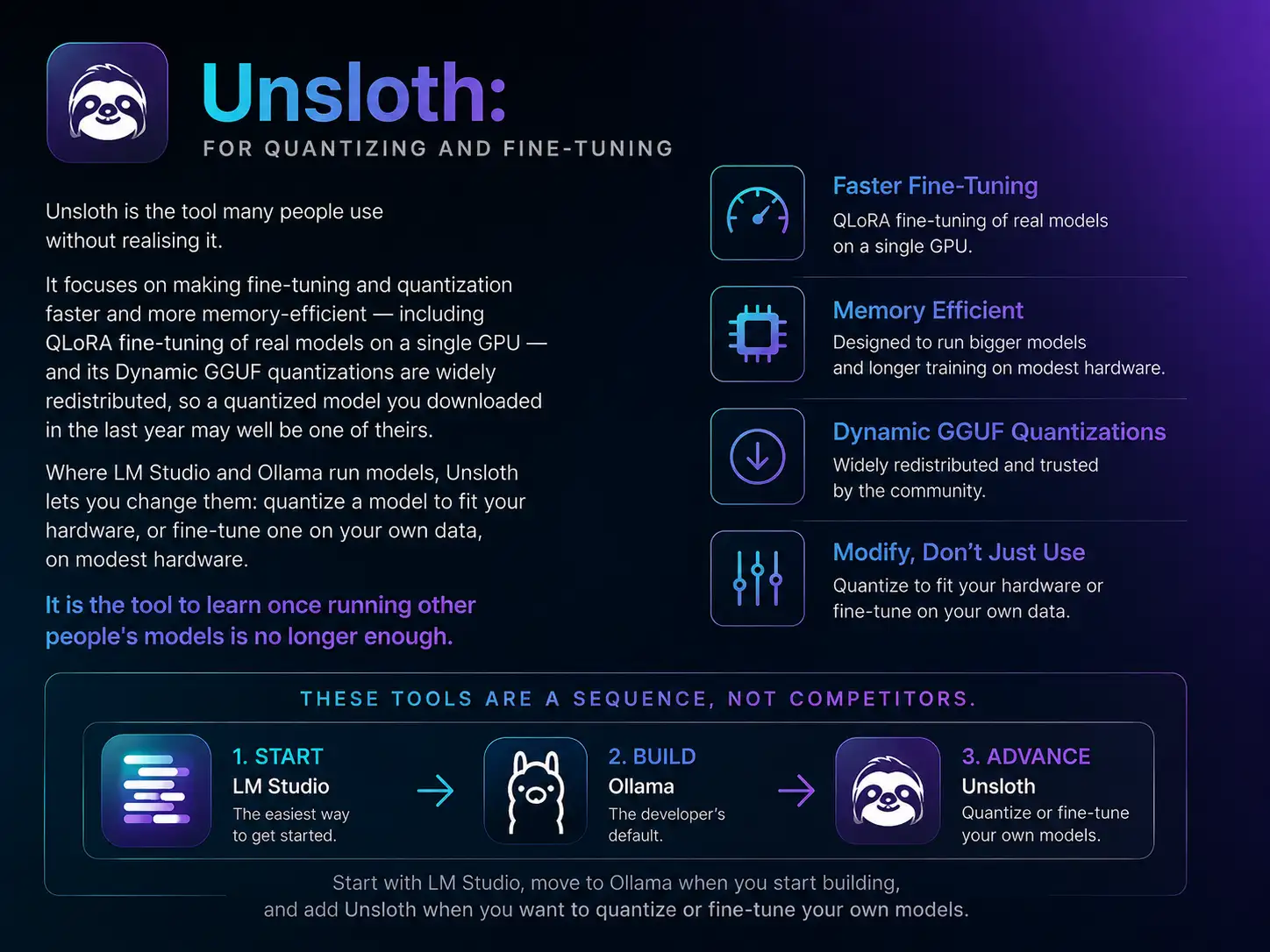
Unsloth is the tool many people use without realising it. It focuses on making fine-tuning and quantization faster and more memory-efficient — including QLoRA fine-tuning of real models on a single GPU — and its Dynamic GGUF quantizations are widely redistributed, so a quantized model you downloaded in the last year may well be one of theirs.4 Where LM Studio and Ollama run models, Unsloth lets you change them: quantize a model to fit your hardware, or fine-tune one on your own data, on modest hardware.5 It is the tool to learn once running other people's models is no longer enough.
These tools are a sequence, not competitors. Start with LM Studio, move to Ollama when you start building, and add Unsloth when you want to quantize or fine-tune your own models.
04What ties them together: OpenAI compatibility
The reason this ecosystem is easy to adopt is a shared convention: both LM Studio and Ollama expose their models through an OpenAI-compatible API.13 That is what makes local models a drop-in rather than a rewrite. Any tool or library built for the OpenAI API — which by now is most of them — can be pointed at localhost by changing the base URL, and it works against your local model. The code does not care whether the tokens come from a data centre or from the laptop on your desk, so moving a project from cloud to local can be a configuration change rather than a rebuild.
05Where OcxlyDev lands
Our advice follows the same sequence. If you have never run a local model, install LM Studio and try one — the point is how quickly that works.1 When you start wiring models into projects, move to Ollama for its CLI, Docker support, and OpenAI-compatible endpoint.23 When you want a model quantized for your hardware or fine-tuned on your own data, learn Unsloth.4 They are three tools for three stages of the same work, and the OpenAI-compatible API is what lets your applications move with you.